LearnDash certificate plugins
Our LearnDash certificate plugins add what LearnDash leaves out once a certificate is issued. That means an expiry date for each student, reminders before it lapses, a way to renew and a page where anyone can check that a certificate is real.
Certificate Expiry starts at $79 a year, and CertiSprout is free on wordpress.org. If you came for the tags that print a name or a date on the certificate, our LearnDash certificate shortcodes guide lists all four, checked on LearnDash 5.1.10.
LearnDash add-ons
-
 Add-on for LearnDash
LearnDash Certificate Expiry
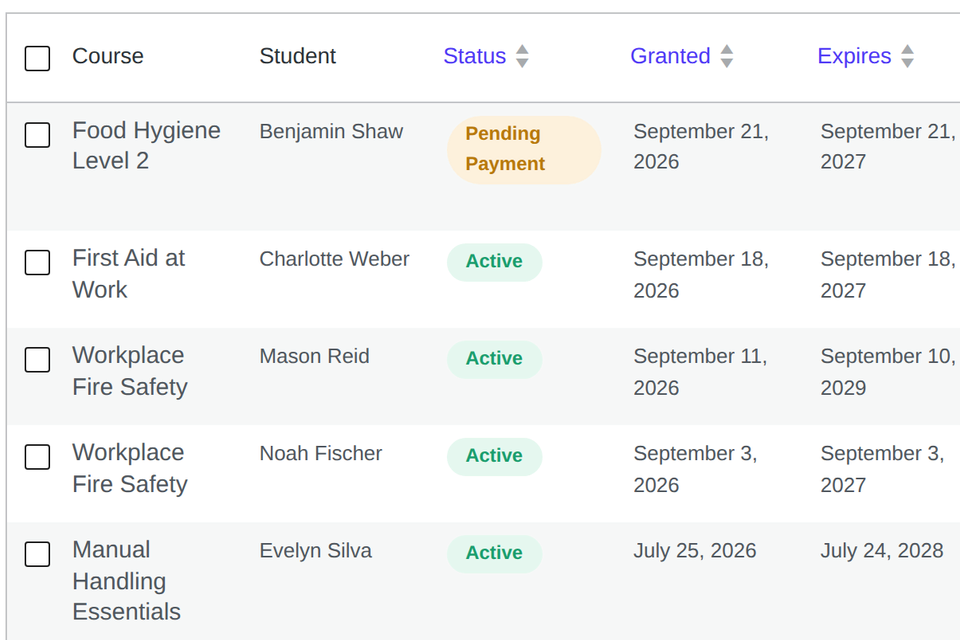
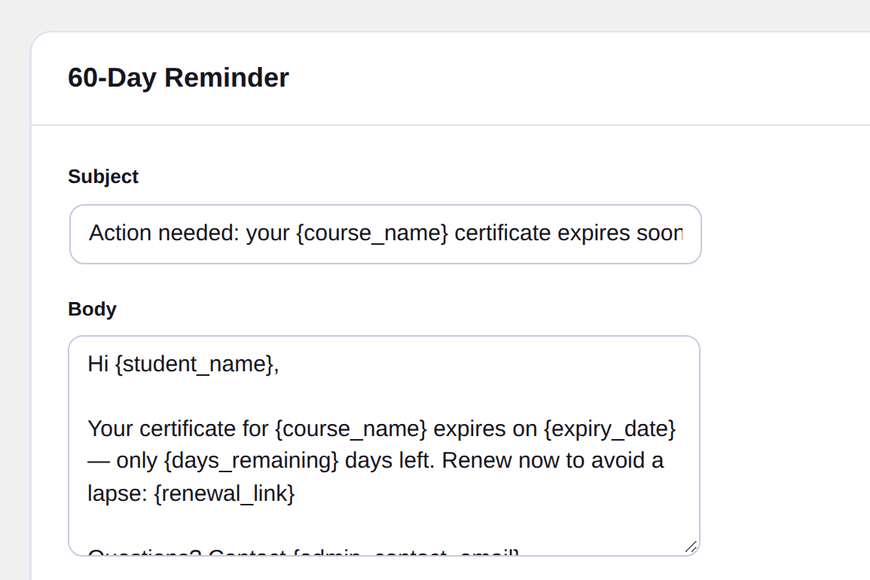
Make each student's LearnDash certificate expire a set time after they finish, with reminder emails and paid renewal. For first aid, safety and CPD training. -
 Add-on for LearnDash
LearnDash Certificate Renewal
Quiz-based recertification and one-click signed renewal links for LearnDash Certificate Expiry. Needs Certificate Expiry -
 Bundle for LearnDash
LearnDash Certificate Expiry + Renewal Bundle
Certificate Expiry and Certificate Renewal together: expiring certificates plus self-service recertification, one licence key. Includes Certificate Expiry and Certificate Renewal
Guides: LearnDash certificate shortcodes Make LearnDash certificates expire Annual recertification in LearnDash Sell a LearnDash certificate separately Certificate verification and QR codes
Guides and comparisons for LearnDash sites
- Guide How to make LearnDash certificates expire LearnDash can't expire a certificate on its own. Its Course Access Expiration setting ends access to the course, counted from enrolment, but the certificate a student…
- Guide How to run annual recertification in LearnDash Annual recertification needs two things LearnDash doesn't have: a certificate that expires, and a way for the student to renew it without emailing you. Once certificates…
- Guide Verify LearnDash certificates with a QR code (free plugin) To add a LearnDash certificate verification QR code, install our free CertiSprout and put [cert_qr_verify] in your certificate. Each certificate then prints a QR code and…
- Guide How to sell a LearnDash certificate separately from the course You can let people take a LearnDash course for free and charge only when they want the certificate. The setup is a WooCommerce product on the…
- Guide LearnDash certificate shortcodes: the full list and what each prints LearnDash certificate shortcodes are four tags you type into a certificate under LearnDash LMS > Certificates. [usermeta] prints the learner, [courseinfo] a course, [quizinfo] a quiz…
- Comparison Certificate expiry for LearnDash: the options compared If you only need course access to end after a set number of days, LearnDash's built-in Course Access Expiration does that. If each student's certificate needs…
Built for training that has to be renewed
LearnDash is good at courses, quizzes and certificates. What it leaves out is everything after the certificate is issued. There is no expiry date, no reminder when a qualification is about to lapse, and no public page where an employer can check that a certificate is genuine.
That gap matters most on sites that run compliance, safety, healthcare or professional training, where a certificate is only worth something while it is current.
Which add-on do you need?
- Certificate Expiry if your certificates need an end date. It sets each student's expiry from their own completion date, sends reminders, can charge for the certificate, and adds a verification page with a QR code.
- Certificate Renewal if students should renew on their own: by retaking the course, passing one recertification quiz, or paying at checkout, straight from a link in their reminder email. It needs Certificate Expiry.
- The Expiry + Renewal bundle if you want both. It costs less than buying the two separately.
How they fit with LearnDash
Both add-ons work at course level and use LearnDash's own certificates, so you carry on designing certificates in LearnDash as you do now. They hook into LearnDash rather than editing its files, so LearnDash keeps updating normally. When you charge for certificates or renewals, the payment goes through WooCommerce.
Common questions
Can LearnDash certificates expire without an add-on?
No. Once LearnDash issues a certificate, it stays valid. Certificate Expiry adds the expiry date.
Do I need WooCommerce?
Only to charge for certificates or renewals. Expiry dates, reminders, approval and verification all work without it.
Which versions do they need?
They are built for LearnDash 4.x. The exact WordPress and PHP versions for each add-on are listed on its product page under Requirements.
Yearly licences from one site to unlimited
Every licence includes all features, a year of updates and support, and a 14-day money-back guarantee.